How to Clean an Email List Without Losing Good Leads
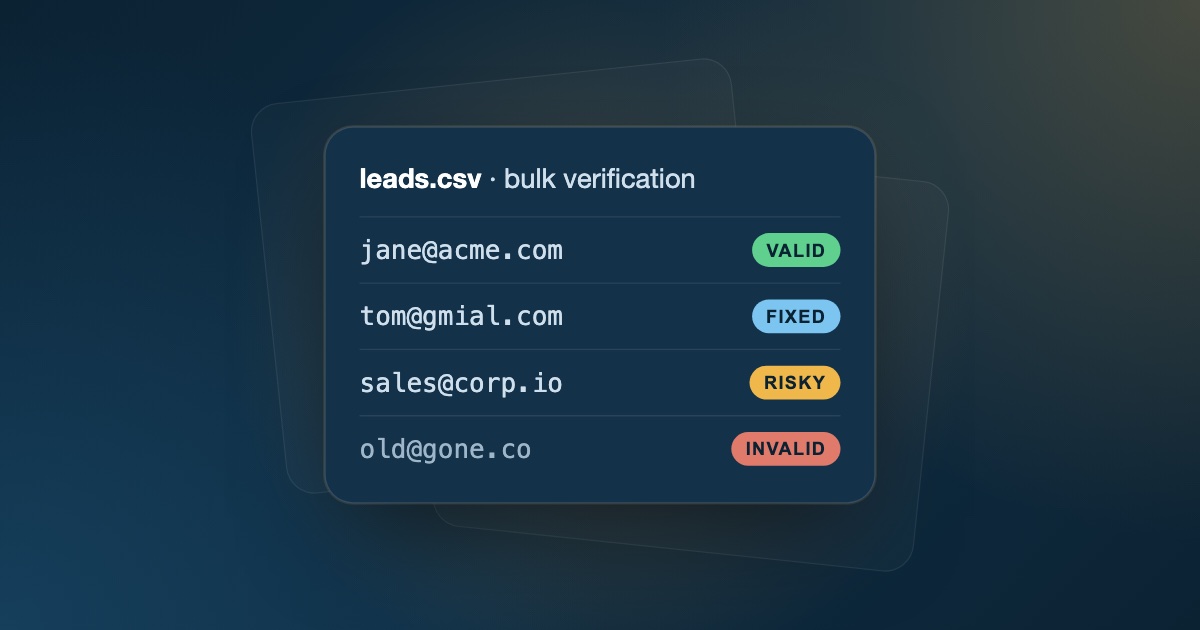
Cleaning a bulk email list is a balancing act. Be too aggressive and you delete real decision-makers along with the junk. Be too lenient and invalid addresses push your bounce rate up, damaging your sender reputation and sending future emails to spam.
When a campaign's bounce rate climbs above 2%, inbox providers like Gmail, Outlook, and Yahoo start treating your sending as unreliable.
This guide shows you how to clean an email list step by step: verify every address, sort contacts by risk, and keep every legitimate lead you worked to collect.
Quick answer: to clean an email list, merge and dedupe your contacts into one CSV, run it through a bulk email verifier, remove invalid and disposable addresses, send catch-all and role-based contacts separately and cautiously, then suppress hard bounces and re-verify before every major campaign.
Why Email Lists Decay (and Why It Costs You)
Email lists go stale on their own. People change jobs, companies rebrand or shut down, and temporary inboxes are abandoned. A commonly cited estimate puts B2B data decay at around 22.5% per year.
If you send to a list that hasn't been cleaned in six months, you pay for it in three ways:
- Wasted spend: sending platforms like Instantly, Lemlist, or Apollo charge for every contact and send, including dead ones.
- Higher bounce rates: hard bounces are one of the clearest signals inbox providers use to spot careless senders.
- Spam traps: old lists can contain abandoned addresses that have been repurposed as spam traps, which can get your domain or IP blocklisted.
Hard bounces vs. soft bounces
Not every bounce means the same thing, and cleaning a list starts with knowing the difference:
| Bounce type | Typical cause | What to do |
|---|---|---|
| Hard bounce | Mailbox doesn't exist, domain is dead, or the address is malformed | Remove immediately and suppress everywhere |
| Soft bounce | Mailbox full, message too large, or server temporarily unavailable | Retry a few times; suppress if it keeps failing |
Hard bounces are the ones that damage your sender reputation, and they're exactly what verification catches before you send.
Signs your list needs cleaning now
- A recent campaign's hard bounce rate went above 1–2%.
- You haven't emailed the list in six months or more.
- The list came from a purchased database, an old event, or a scraping tool.
- Open and reply rates have dropped steadily across campaigns.
- You're seeing more emails land in spam or getting deferred by inbox providers.
Step 1: Export and Prepare Your List
Start with a single, clean CSV:
- Merge all sources (CRM exports, event lists, form signups) into one file.
- Remove duplicates so you don't pay to verify the same address twice.
- Keep useful columns, such as name, company, and source, so you can still segment after cleaning.
- Remove known suppressions: anyone who has unsubscribed, complained, or hard-bounced before.
Doing this in Excel or Google Sheets: put addresses in column A, add a helper column with =LOWER(TRIM(A2)) to normalize case and strip stray spaces, then use Remove duplicates on the helper column. A spreadsheet can tidy the file, but it can't tell whether an address actually receives mail. That's the next step.
Step 2: Run a Bulk Email Verification
Basic syntax checks aren't enough for a bulk clean. Use a verifier that checks every row in several stages:
- Syntax and formatting: removes malformed addresses like
user@domain..comor ones missing an@. - Domain and MX records: confirms the domain exists and is set up to receive email.
- SMTP mailbox check: asks the recipient's server whether the mailbox exists, without sending a message.
- Risk detection: flags disposable, role-based, catch-all, and gibberish addresses.
Step 3: Sort Results Instead of Deleting Everything
The biggest list-cleaning mistake is deleting every address that isn't a clear "valid". Sort your verified file into buckets and treat each one differently:
| Category | Risk | What it means | What to do |
|---|---|---|---|
| Valid | Low | Domain and mailbox confirmed | Send in your main sequences |
| Catch-all | Medium | Domain accepts all mail; mailbox can't be confirmed | Send from a secondary domain, in small batches |
| Role-based | Medium | Shared aliases like info@, sales@, support@ |
Exclude from 1:1 sales outreach |
| Disposable | High | Temporary, throwaway inbox | Remove |
| Invalid | Critical | Bad syntax, dead domain, or rejected mailbox | Remove before sending |
The catch-all bucket is where most good leads get lost. These addresses often belong to established companies whose servers accept all mail, so they can't be confirmed but aren't invalid either. See how to send to catch-all emails safely for a full process.
Step 4: Fix What You Can
Some "invalid" addresses are simple typos that are easy to recover:
- Domain typos:
gmial.com,hotmial.com, oroutlok.comcan usually be corrected. Good verifiers suggest the fix. - Formatting issues: stray spaces, trailing dots, or copied punctuation.
Re-verify any corrected address before you send to it.
Step 5: Re-Import and Send Safely
Import only the cleaned segments back into your sending tool, then:
- Send valid addresses first from your main domain or sequence.
- Send catch-all addresses separately from a secondary, warmed-up domain at lower volume.
- Watch the first send closely. If hard bounces go above 1–2%, pause and investigate before continuing.
Your sending setup matters too. Authentication and warmup are covered in our email deliverability checklist.
Step 6: Keep the List Clean
List cleaning is a habit, not a one-time project:
- Verify at capture: check new addresses in real time on signup and lead forms.
- Re-verify before big sends, and every few months for active lists.
- Suppress hard bounces automatically across every tool.
- Sunset unengaged contacts who haven't clicked or replied in about 90 days. Our email list hygiene guide explains how to set up a sunset policy and a full maintenance schedule.
For a complete routine, read our email verification best practices.
Common List-Cleaning Mistakes
- Deleting every "risky" result. Catch-all addresses at real companies are often good leads. Segment them instead.
- Cleaning once and never again. A list verified six months ago has already decayed.
- Verifying after importing. Bad addresses that reach your sending tool can get emailed before anyone notices. Verify first, import second.
- Forgetting other tools. A bounce suppressed in your sending tool but still active in your CRM will come back in the next export.
- Adding unverified new contacts to a clean list. Every new source, including the addresses you find with the methods in our guide to finding business email addresses, needs verifying before it joins the list.
Clean Your List with FeedLead
FeedLead is built for bulk list cleaning. Upload a CSV and every address is checked for syntax, MX records, SMTP deliverability, and disposable, catch-all, and gibberish signals. Each address gets a valid / risky / invalid result and suggested fixes for common domain typos, then you can export the cleaned file as CSV, on every plan.
Clean your first list for free →
Key Takeaways
- Email lists decay continuously, so clean before every major campaign.
- Bulk-verify every row with syntax, MX, SMTP, and risk checks.
- Sort results into buckets, and keep catch-all leads by sending to them cautiously instead of deleting them.
- Fix typos, suppress bounces, and verify new addresses at capture to keep the list clean.
Frequently Asked Questions
How do I clean my email list?
Export the list as a CSV, run it through a bulk email verifier, and sort the results into valid, risky, and invalid groups. Remove invalid and disposable addresses, handle catch-all and role-based ones separately, and suppress anyone who has hard-bounced or unsubscribed.
How often should I clean my email list?
Clean it before any major campaign and at least every few months for lists you send to regularly. Lists you haven't emailed in six months or more should always be verified before you use them again.
What is a good bounce rate for bulk email?
Aim for a hard bounce rate below 1%. If a campaign goes above 2%, stop and clean the list before sending again, as sustained high bounce rates damage your sender reputation.
Will cleaning my email list reduce my audience?
It removes addresses that were never going to reach anyone, so your real audience stays the same. Done well, it also keeps catch-all leads instead of deleting them, which is how you avoid losing good contacts.
Can I verify a large email list at once?
Yes. Bulk email verifiers accept a CSV upload and check every row, then let you export the results with a status for each address so you can filter the list in your spreadsheet or CRM.
What is the difference between a hard bounce and a soft bounce?
A hard bounce is a permanent failure: the mailbox or domain doesn't exist, so the address should be removed immediately. A soft bounce is temporary, such as a full mailbox or a server that's briefly unavailable, so you can retry a few times before suppressing the address.
Can I clean an email list in Excel or Google Sheets?
Partly. A spreadsheet can trim spaces, lowercase addresses, and remove duplicates, but it can't tell whether a domain receives mail or a mailbox exists. For that you need an email verifier that runs MX and SMTP checks on every row.
What happens if I send to a list I haven't cleaned?
Expect more hard bounces, wasted sending credits, and a higher chance of hitting spam traps. If bounces climb above about 2%, inbox providers start filtering your mail, which also hurts delivery to your good contacts.